
Choosing the right WordPress development company is an important decision for any business planning to build a new website, redesign an existing one, or improve its digital presence.
Your website is more than an online brochure. It can help customers understand your services, discover your products, contact your team, and make purchasing decisions. The quality of its design, development, security, and ongoing maintenance can influence how effectively it supports your business.
However, finding the right development partner can be challenging. Many agencies offer similar services, use familiar terminology, and present impressive portfolios. The real difference often lies in how they approach problems, make technical decisions, communicate throughout the project, and support your website after launch.
In this guide, we explain how to evaluate a WordPress development company, what questions to ask before hiring one, which warning signs to look for, and how to choose a partner that fits your business needs.
1. What Does a WordPress Development Company Do?
A WordPress development company helps businesses plan, design, build, maintain, and improve websites powered by WordPress.
The scope of work can vary depending on the agency and the needs of the project. Some companies focus on designing attractive websites, while others provide deeper technical services, including custom themes, plugin development, ecommerce functionality, third-party integrations, and performance optimization.
Common WordPress development services include:
- Custom WordPress development: Building websites around specific business requirements rather than relying entirely on prebuilt designs.
- WordPress website design: Creating layouts and user experiences that reflect the brand and support customer journeys.
- Custom theme development: Developing reusable templates and components for a consistent website experience.
- Plugin development and integrations: Extending website functionality or connecting WordPress with external systems.
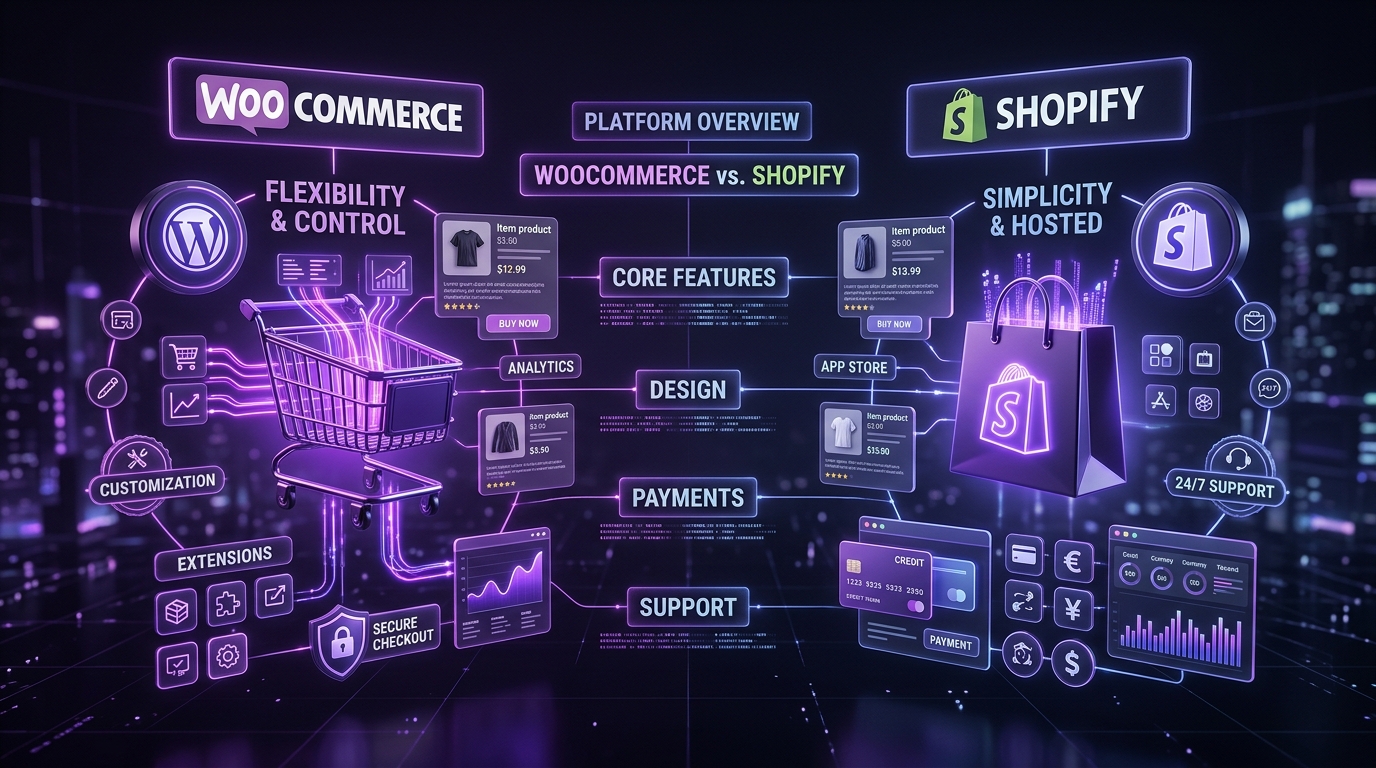
- WooCommerce development: Building online stores, product experiences, checkout flows, and related ecommerce functionality.
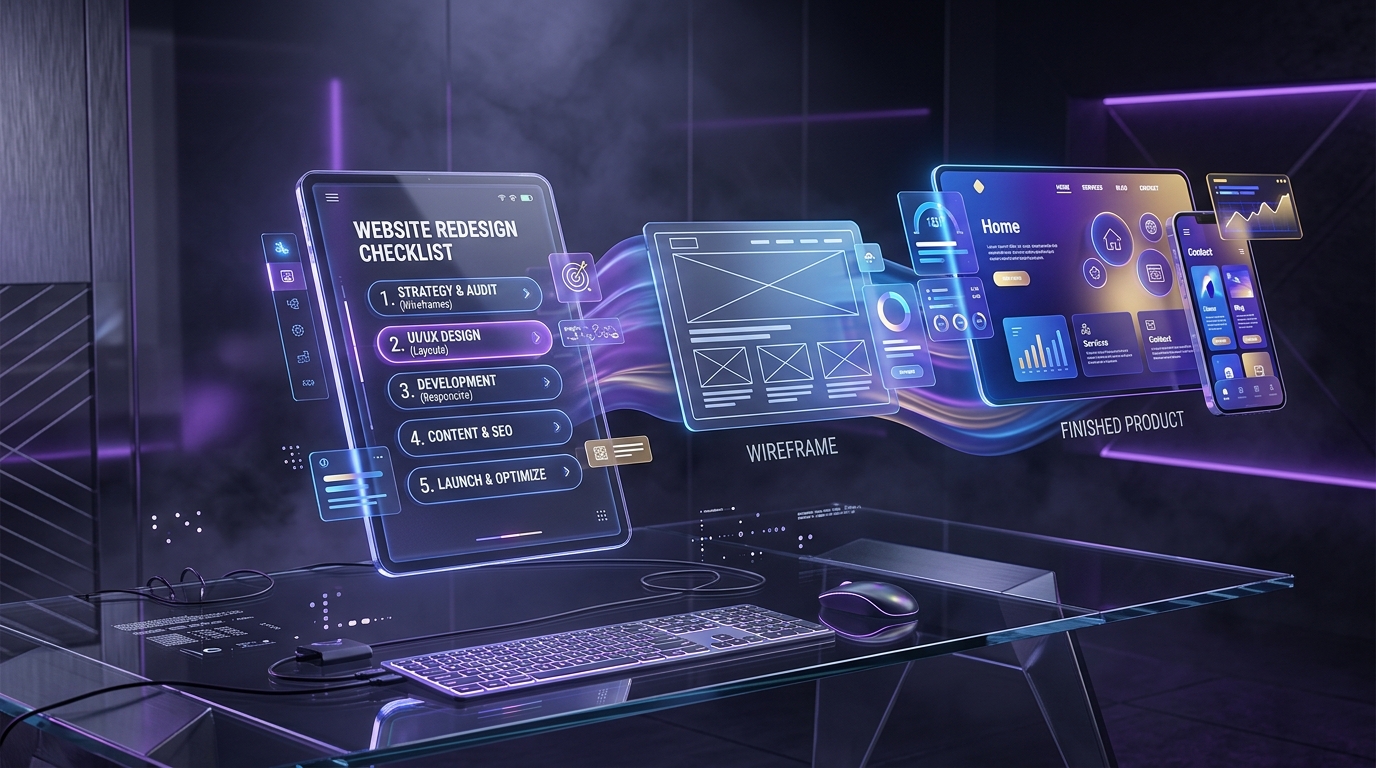
- Website migration and redesign: Moving an existing website or improving its structure, appearance, and technical foundation.
- Performance and security improvements: Addressing technical issues that affect speed, reliability, and website protection.
- Maintenance and support: Managing updates, backups, troubleshooting, and ongoing improvements.
Not every business needs all these services. A small professional services company may need a straightforward marketing website, while a growing ecommerce business may require custom functionality, inventory integrations, and a more complex customer journey.
The first step is understanding what your business actually needs. That will help you evaluate agencies based on their suitability for your project rather than the length of their service list.
2. Define Your Website Goals Before Hiring
Before contacting a WordPress development company, identify the business problem your website needs to solve.
Without clear goals, it becomes difficult to compare proposals, evaluate recommendations, or determine whether the final website is successful.
Start by asking yourself:
- Are you building a new website or improving an existing one?
- Do you need to generate enquiries, sell products, or establish brand credibility?
- Is your current website difficult to manage?
- Are visitors struggling to find information?
- Do you need integrations with a CRM, payment gateway, booking platform, or other business system?
- Are performance, accessibility, security, or SEO concerns affecting your website?
- Who will manage and update the website after launch?
Your answers will help establish the scope of the project.
Match your goals to the right type of partner
For example, a company that needs a simple website with a few service pages may not need a large development team. A business building a custom customer portal or integrating multiple systems may require more specialized engineering experience.
Similarly, a website redesign focused on usability and conversions requires more than visual design. It may involve content strategy, user research, analytics, information architecture, and conversion testing.
A good development partner should help refine your requirements when necessary. They should also explain which features are essential, which can be introduced later, and which may add complexity without delivering meaningful value.
Practical tip: Prepare a short project brief describing your business, target audience, goals, essential features, existing website, budget range, and expected timeline. It does not need to be a technical specification.
3. Evaluate Technical Expertise and Development Capabilities
A polished portfolio is useful, but it does not tell you everything about how a website was built.
A reliable WordPress development company should be able to explain its technical approach in language you understand. The goal is not to hire an agency using the most complicated technology. It is to find a team that can select appropriate tools and build a website that remains manageable as your business evolves.
Custom development versus prebuilt solutions
WordPress supports many approaches, from prebuilt themes and plugins to fully custom development.
Prebuilt solutions can be suitable for straightforward websites when they meet the requirements and are maintained properly. Custom development may be more appropriate when your business needs a distinct design system, specialized workflows, custom functionality, or tighter control over the website’s architecture.
Ask the agency how it decides which approach to use. A good answer should consider your requirements, budget, maintenance responsibilities, and future plans rather than automatically recommending the most expensive option.
Check their WordPress knowledge
Depending on your project, useful capabilities may include:
- Custom theme development and reusable components.
- WordPress hooks, filters, and template architecture.
- Custom post types and structured content.
- Plugin configuration, customization, or development.
- WooCommerce and ecommerce workflows.
- API integrations and external services.
- WordPress user roles and permissions.
- Database and content migration.
- Version control, testing, and deployment practices.
You do not need to evaluate every technical detail yourself. Ask the team to explain how its approach supports your website’s requirements and what trade-offs you should understand.
Ask how the website will be maintained
A website should not depend on one developer making undocumented changes indefinitely.
Ask whether the implementation will use a clear structure, documented custom functionality, appropriate development standards, and a manageable content editing experience.
The best technical solution is not necessarily the most complex one. It is the solution that meets your current needs without creating unnecessary problems for future maintenance.
4. Review the Company’s Portfolio and Relevant Experience
A portfolio helps you understand the type of work a company has delivered, its visual quality, and the businesses it has worked with.
However, do not evaluate a portfolio based on screenshots alone.
Look for projects relevant to your needs
If you are planning an ecommerce store, look for examples of product pages, category navigation, cart experiences, checkout flows, and store integrations.
If you need a corporate website, evaluate how the agency presents complex services, organizes content, and guides visitors toward enquiries.
If you need a custom web application, ask for examples demonstrating workflows, user permissions, dashboards, integrations, or other relevant functionality.
Industry experience can be helpful, but it should not be your only selection criterion. An agency with strong problem-solving skills and a relevant technical approach may be a good fit even if it has not worked in your exact industry.
Evaluate the actual experience
When reviewing a live website, consider the following:
- Is the navigation easy to understand?
- Does the website work well on mobile devices?
- Are important actions easy to identify?
- Is the content organized logically?
- Does the experience appear consistent across pages?
- Are there obvious usability or accessibility problems?
- Does the website appear to load reliably?
Remember that a live website may have changed since the agency completed it. Content, plugins, hosting, and third-party integrations may have been modified by the client or another team.
Ask what the agency actually delivered
Some projects involve a complete design and development process. Others involve only development, design support, maintenance, or a limited set of improvements.
Ask the agency to clarify its role in projects that interest you. This helps you understand whether its experience matches the services you need.
If possible, request a case study that explains the original challenge, the decisions made, the work delivered, and the verified outcome.
5. Look Beyond Design and Evaluate User Experience
A website can look attractive and still be difficult to use.
Good user experience design considers how visitors understand the business, navigate the website, find information, and complete important actions.
A capable WordPress development company should understand how design decisions connect to business objectives.
What to evaluate
- Information architecture: Are pages grouped logically? Can visitors understand where to find services, products, resources, and contact information?
- Visual hierarchy: Do headings, supporting text, images, and calls to action guide attention naturally?
- Mobile usability: Can visitors read content, navigate menus, complete forms, and interact with important elements on smaller screens?
- Accessibility: Does the design consider keyboard navigation, readable contrast, descriptive labels, and appropriate heading structures?
- Conversion paths: Can visitors identify what to do next, whether that means requesting a quote, booking a consultation, or purchasing a product?
Ask about the design process
Find out whether the agency conducts research, reviews your existing website, plans page structures, develops wireframes, or validates important interactions before development.
The right process depends on the project’s size and complexity. A small website may not require extensive research, while a complex ecommerce platform or customer portal may benefit from a more structured UX process.
The important thing is that design decisions are made deliberately rather than based only on personal preferences.
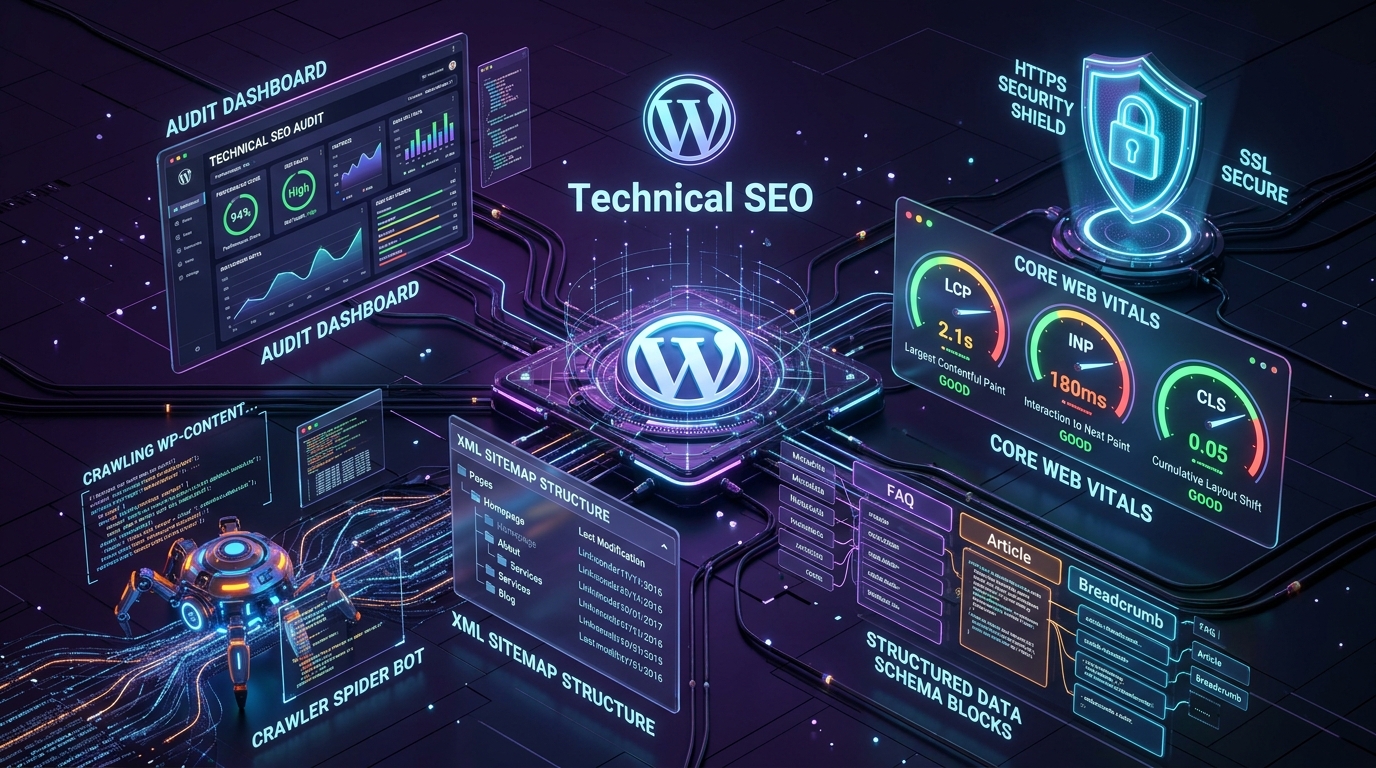
6. Check Security, Performance, and Scalability
A WordPress website needs more than a good appearance. Its technical foundation should support reliable operation, appropriate security, and future development.
Ask prospective agencies how they approach these areas.
Website security
A responsible development process may include:
- Keeping WordPress core, themes, and plugins updated.
- Using trusted software and limiting unnecessary dependencies.
- Applying appropriate user roles and permissions.
- Protecting administrative access.
- Maintaining backups and a recovery process.
- Using HTTPS and secure configuration.
- Testing custom functionality and handling input safely.
- Monitoring relevant security issues and maintaining a response plan.
No website can be guaranteed to be completely secure. What matters is whether risks are considered, responsibilities are clear, and there is a practical process for responding to problems.
Website performance
Slow pages can frustrate visitors and make important interactions less pleasant. Performance should be evaluated through testing rather than assumptions about the technology used.
Ask how the agency measures and improves:
- Image sizes and formats.
- JavaScript and CSS loading.
- Caching and server response.
- Third-party scripts and integrations.
- Core Web Vitals and real-user experience where data is available.
- Performance on mobile devices and slower connections.
Tools such as PageSpeed Insights can help identify potential issues, but a single score does not tell the complete story. Performance should be considered alongside usability, functionality, and the actual needs of the website.
Scalability and future needs
A website does not always need a complex architecture from day one. It does, however, benefit from sensible decisions that allow the business to make changes without rebuilding everything unnecessarily.
Discuss likely future requirements, such as adding new service pages, launching an online store, integrating a CRM, expanding content, or introducing customer accounts.
A good agency should explain which requirements should be addressed now and which can be handled later.
7. Understand the Development Process
A clear process helps keep projects organized, reduces uncertainty, and makes it easier to identify problems before they become expensive.
Although every agency has its own workflow, a well-managed WordPress project often includes these stages.
- Step 1: Discovery and requirements: The team learns about your business, audience, objectives, content, functionality, and constraints. What to confirm: The project scope, major requirements, assumptions, and priorities.
- Step 2: Planning and information architecture: The team defines the sitemap, page structure, functionality, technical approach, and project milestones. What to confirm: Which pages, integrations, and features are included in the proposal.
- Step 3: UX and visual design: Depending on the project, the team develops wireframes, visual concepts, page designs, and reusable components. What to confirm: How many design rounds are included and who approves the work.
- Step 4: Development: The approved designs and requirements are implemented in WordPress, including templates, content structures, integrations, and custom functionality where required. What to confirm: How progress will be demonstrated and how changes will be managed.
- Step 5: Testing and quality assurance: The team tests functionality, responsiveness, forms, navigation, integrations, performance, and relevant accessibility and security considerations. What to confirm: Who performs testing, how issues are reported, and what qualifies as project completion.
- Step 6: Launch and handover: The website is deployed, critical paths are checked, and the client receives the agreed documentation and access. What to confirm: Who handles deployment, backups, redirects, analytics, training, and post-launch fixes.
Not every project requires a lengthy process. The objective is to establish enough structure to deliver the agreed work reliably.
8. Compare Pricing and Proposals Carefully
When comparing WordPress development proposals, the lowest price is not always the most cost-effective option.
A low initial quote may exclude important requirements, while a higher quote may include custom functionality, content migration, testing, training, or ongoing support. You need to compare what is actually being delivered.
What a clear proposal should include
A professional proposal should explain:
- Project objectives and scope.
- Included pages and functionality.
- Design and development deliverables.
- Third-party services and licensing costs.
- Client responsibilities, such as providing content and feedback.
- Project milestones and estimated timeline.
- Payment schedule.
- Revision limits and change-request process.
- Testing, launch, and handover responsibilities.
- Warranty, maintenance, and support terms.
- Ownership and access arrangements.
Understand the total cost of ownership
The initial development fee is only one part of the overall cost.
Your ongoing expenses may include hosting, domain renewal, premium software licenses, paid integrations, maintenance, content updates, and future enhancements.
Ask the agency to distinguish between mandatory recurring costs and optional services. Also clarify which services stop when a maintenance agreement ends.
A useful comparison is to evaluate the expected cost and value over the period you plan to use the website—not just the initial quote.
9. Ask About Maintenance and Long-Term Support
Launching a website is not the end of its lifecycle.
WordPress core, plugins, themes, hosting environments, and integrations may require updates. Business requirements also change, and websites often need new content, features, and improvements over time.
Before hiring a WordPress development company, understand what happens after launch.
Ask about:
- Software updates and compatibility checks.
- Backup frequency and restoration procedures.
- Security monitoring and incident response.
- Bug fixes and technical troubleshooting.
- Performance reviews.
- Uptime monitoring, where appropriate.
- Support availability and response expectations.
- Pricing for new features and work outside the agreed scope.
Clarify whether post-launch support is included for a limited period or provided through a separate maintenance plan.
Also confirm who owns the hosting account, domain, source code, licenses, and other essential assets. Your business should have appropriate access and a clear understanding of its rights.
A good long-term partner should make it easier to manage and improve your website, not create unnecessary dependence on undocumented systems or inaccessible accounts.
10. Questions to Ask Before Hiring a WordPress Development Company
Use these questions during your initial conversations or proposal reviews.
Experience and technical approach
- Can you show projects similar to our requirements?
- What role did your team play in those projects?
- How would you approach our website, and why?
- Which parts require custom development, and which can use existing solutions?
- How will the website remain maintainable as our needs change?
Design and development process
- How do you plan the website structure and user experience?
- How will we review and approve the designs?
- How often will we receive progress updates?
- What testing will happen before launch?
- How are additional requests or scope changes handled?
Budget and support
- What is included in the quoted price, and what is excluded?
- Which third-party or recurring costs should we expect?
- Who will own the website, code, domain, and hosting accounts?
- What support is available after launch?
- How are defects, security issues, and urgent problems handled?
You do not need to ask every question in a single meeting. Prioritize the ones that matter most to your project and ask follow-up questions when answers are unclear.
Pay attention not only to the answers but also to how the company communicates. A team that explains trade-offs, acknowledges uncertainty, and sets realistic expectations may be easier to work with than one that promises everything immediately.
11. Warning Signs to Avoid
A few warning signs deserve additional attention when evaluating potential development partners.
- Unusually low quotes without a clear scope: A low price is not automatically a problem. However, be cautious if the proposal does not explain what is included, how the work will be delivered, or which costs may arise later.
- Guaranteed rankings or unrealistic promises: No development agency can guarantee specific Google rankings or promise business outcomes that depend on many factors outside its control. Look for a team that explains its process, assumptions, risks, and how results will be evaluated.
- No meaningful discovery process: If an agency recommends a complete solution before understanding your business, audience, functionality, and constraints, its proposal may be based on assumptions rather than your actual needs.
- Unclear ownership and access: Be cautious if you cannot obtain clear answers about domain ownership, hosting access, source code, licenses, backups, or how the website can be transferred to another provider.
- Little attention to testing and security: A proposal that focuses exclusively on appearance and development while ignoring testing, backups, updates, or secure implementation may leave important risks unaddressed.
- Poor communication: Delayed responses, vague deliverables, inconsistent updates, and unclear responsibilities can create avoidable project difficulties.
- Excessive technical complexity: Custom development is valuable when it solves a genuine problem. Be cautious if an agency cannot explain why a complex or expensive solution is necessary for your requirements.
One warning sign does not automatically mean a company is unsuitable. Use these observations to ask better questions and evaluate the overall quality of its proposal.
12. How to Make the Final Decision
Once you have shortlisted a few companies, compare them using the same criteria.
A simple scorecard can help you avoid choosing solely on price or visual appeal.
| Evaluation Criterion | What to Look For |
|---|---|
| Relevant experience | Comparable projects and clear examples of delivered work |
| Technical expertise | Appropriate WordPress capabilities for your requirements |
| UX and design | Usability, responsive design, and thoughtful information structure |
| Security and performance | A practical approach to testing, protection, and speed |
| Project management | Clear milestones, responsibilities, and communication |
| Pricing and scope | Transparent deliverables, exclusions, and recurring costs |
| Ownership | Clear access and rights to essential website assets |
| Ongoing support | Defined maintenance, troubleshooting, and future improvement options |
You can rate each category from 1 to 5, but treat the score as a decision aid rather than a definitive ranking. Some requirements—such as ownership, essential security practices, or a critical integration—may be non-negotiable regardless of the total score.
Before committing, make sure you understand the contract, payment milestones, acceptance criteria, responsibilities, and process for resolving disagreements.
The right WordPress development company is the one that can meet your actual requirements, explain its decisions, deliver within an agreed scope, and support the website in a way that fits your business.
Frequently Asked Questions
How much does it cost to hire a WordPress development company?
The cost depends on the website’s size, design requirements, functionality, integrations, content needs, and level of customization. A simple business website will usually require less work than a complex ecommerce platform or custom web application. Request an itemized proposal and clarify ongoing expenses before comparing quotes.
How long does WordPress website development take?
Timelines vary according to the project’s complexity, the number of pages, integrations, design approvals, content readiness, and testing requirements. Ask for a milestone-based estimate that includes time for feedback, quality assurance, and launch preparation.
Should I choose a freelancer or a WordPress development company?
A freelancer can be an excellent fit for a well-defined project that requires a specific skill set. An agency may be more suitable when the work requires coordinated design, development, project management, testing, and ongoing support. Compare the actual people, skills, availability, and responsibilities involved rather than relying on the label alone.
Is custom WordPress development better than using a prebuilt theme?
Neither option is always better. A prebuilt theme can be efficient for common requirements, while custom development can offer greater control over the design, functionality, and architecture. The right choice depends on your budget, requirements, maintenance capacity, and future plans.
What should I own after the website is completed?
Your agreement should clearly define ownership or usage rights for the website, custom code, designs, content, and other deliverables. You should also have appropriate access to your domain, hosting, WordPress administration, backups, and relevant third-party accounts. Licensing terms for third-party software may differ, so review them separately.
Do WordPress websites need ongoing maintenance?
Yes. Updates, backups, security reviews, compatibility checks, and troubleshooting help keep a WordPress website reliable over time. The appropriate maintenance plan depends on the website’s complexity, business importance, and technical requirements.
Can I change my WordPress development company later?
In many cases, yes, provided you have the necessary access, rights, documentation, and backups. Before the project begins, clarify how the website can be transferred, what documentation will be provided, and whether any proprietary tools or licenses create additional dependencies.
Final Thoughts
Choosing the right WordPress development company is about finding a team that understands your business and can translate its requirements into a practical, reliable digital experience.
Start with clear goals. Evaluate relevant experience, technical expertise, user experience, security, performance, communication, and long-term support. Compare proposals based on their scope and value rather than price alone.
Most importantly, look for a partner who explains decisions clearly, sets realistic expectations, and builds a website your business can maintain and improve as it grows.
At WP Bunch, we believe effective digital experiences bring strategy, design, and development together. Whether you’re planning a new website, improving an existing WordPress build, or exploring custom functionality, the right approach starts with understanding the problem before choosing the solution.
Planning a WordPress Website Project?
Explore our WordPress Development and Web Development services to understand how thoughtful design and custom engineering can support your business goals.